
The platform
Every stage of the story, in one system.
Find the story in your archive, plan it, film it, edit it, share it and see how it did. Cue works with you at every step, and every change comes with Yes and Undo.
Six steps
From idea to impact
Cue guides each step and recommends what to do next. Cue learns your organization from your org profile, your transcripts and your story graph.
Clips Live
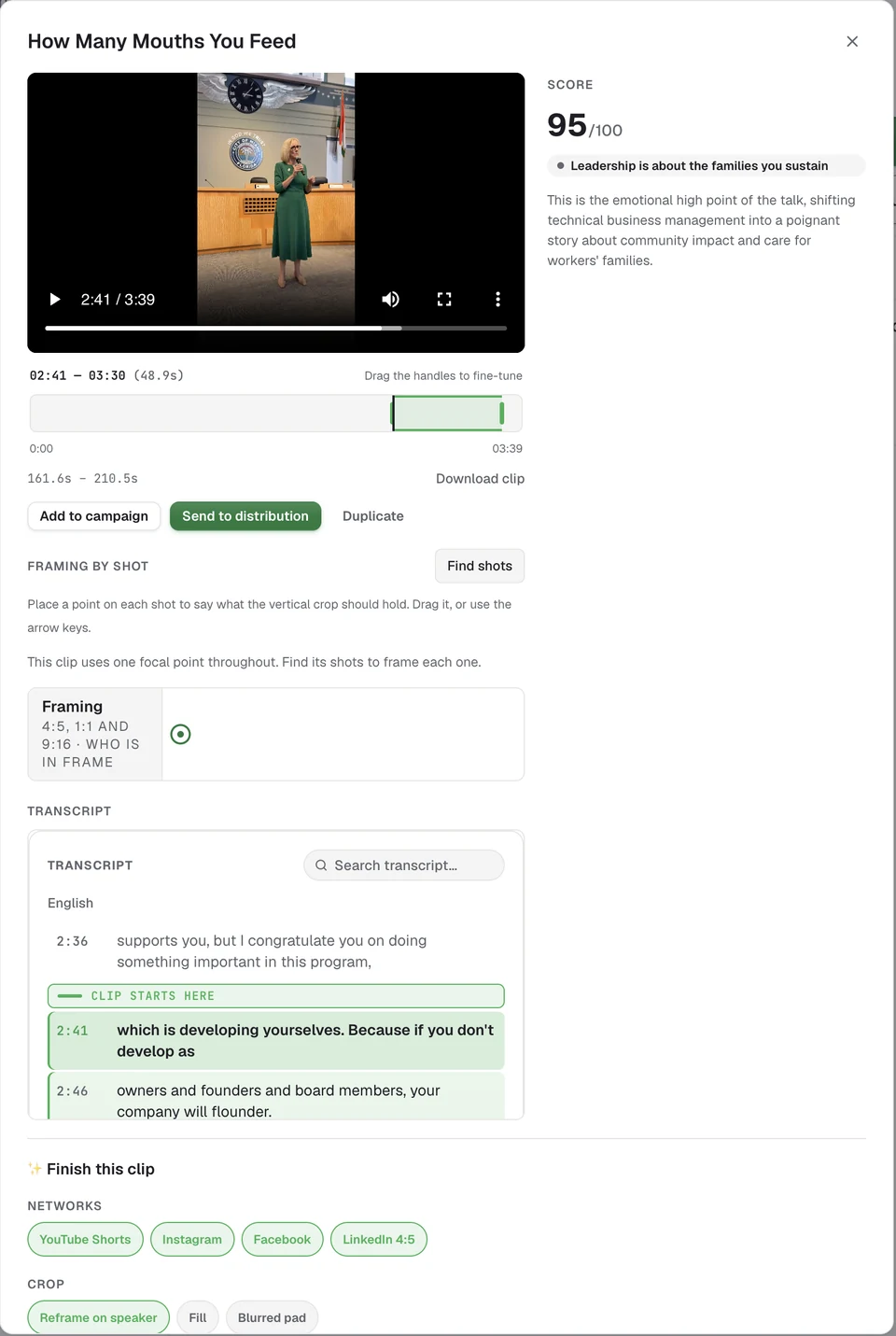
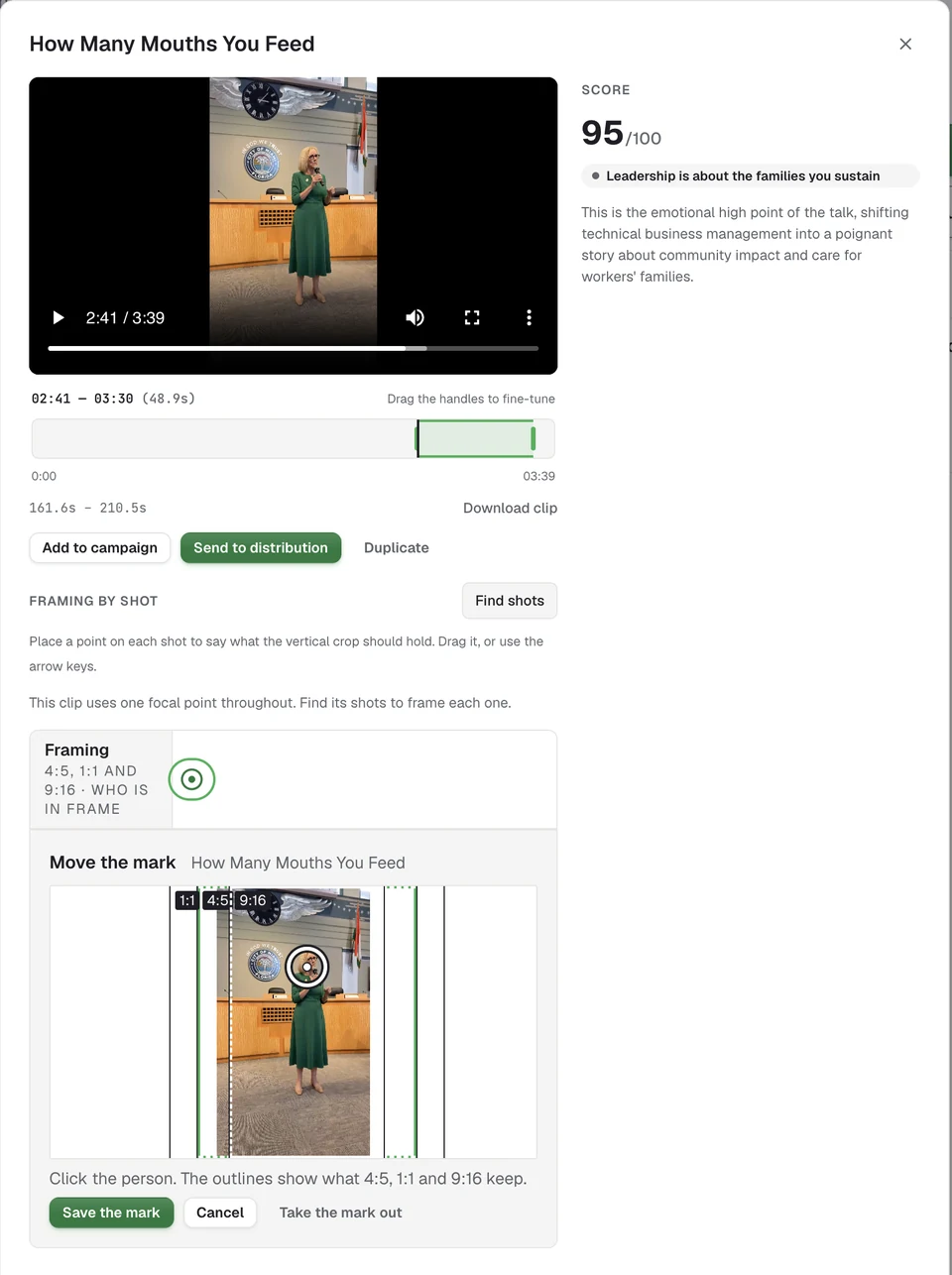
Clips: a month of posts from one interview.
Cue finds the best moments in your footage and scores each one. You Keep or Pass, adjust the ends, and send them to a story or straight to your channels. Each moment becomes a cut for each channel: YouTube, YouTube Shorts, LinkedIn, Instagram and more.
See plans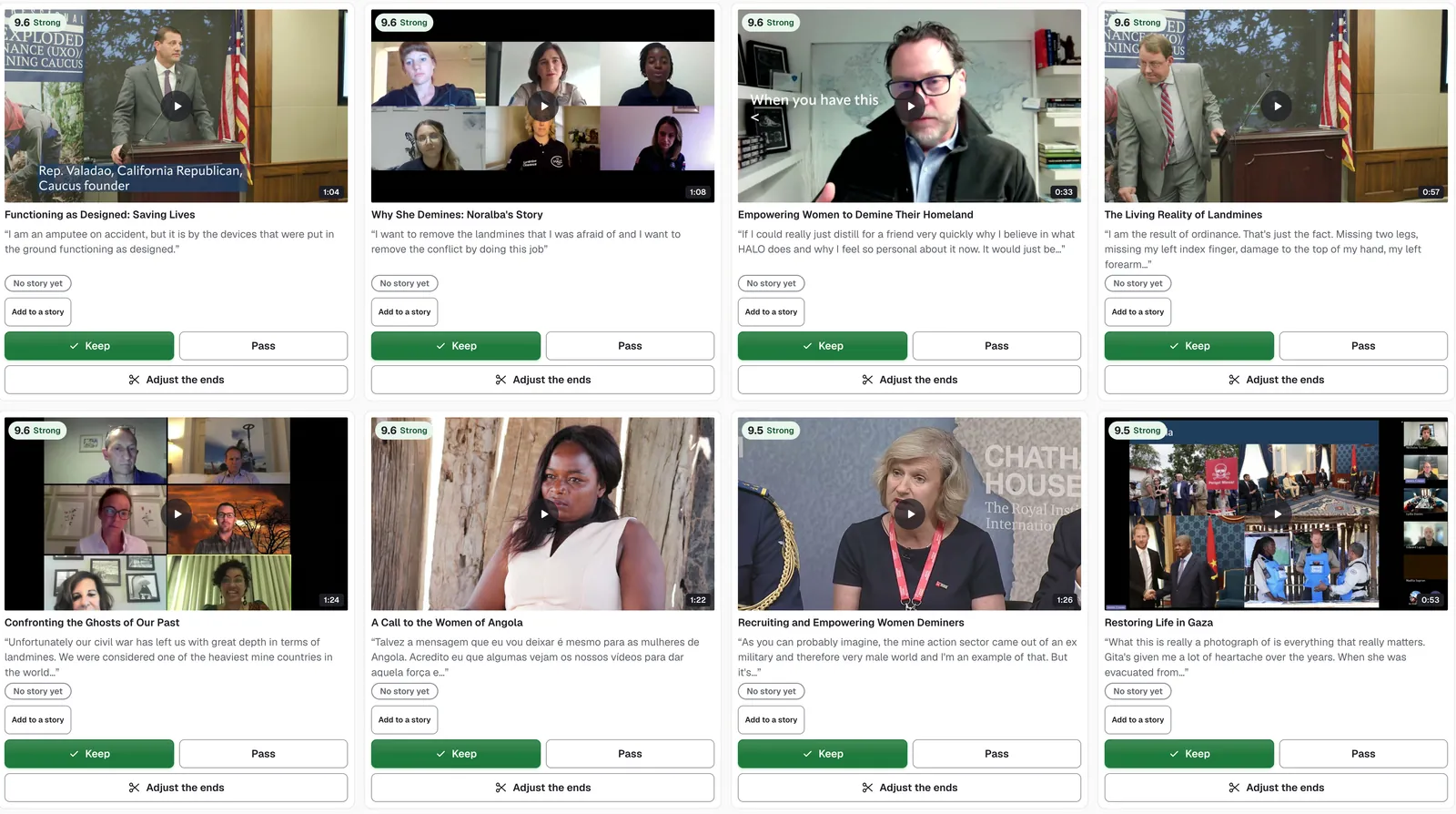
01 · Plan
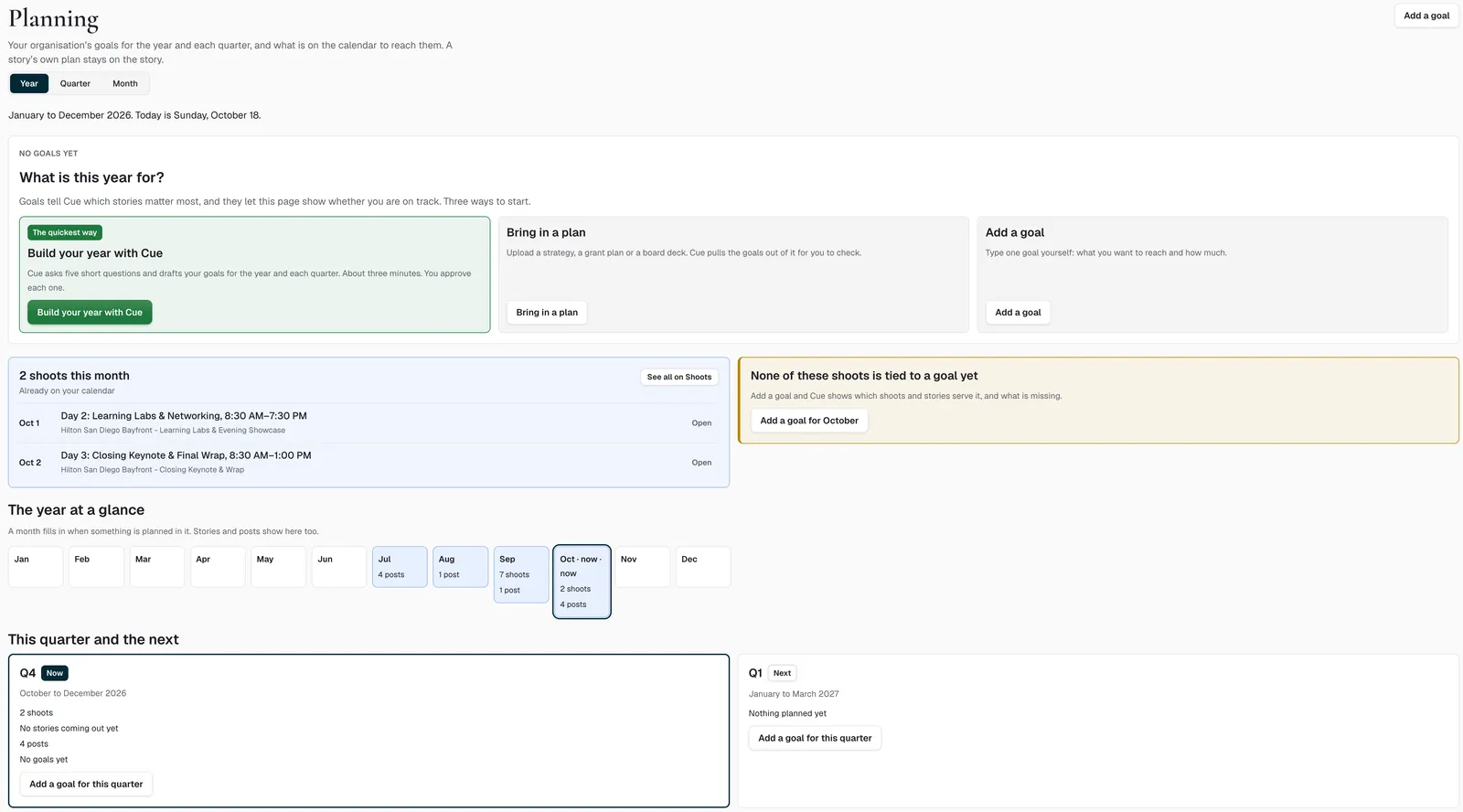
Plan the year and every story
Cue drafts the year's goals from five questions. Every story's plan stays on the story, with its shots and questions.
Storyboards
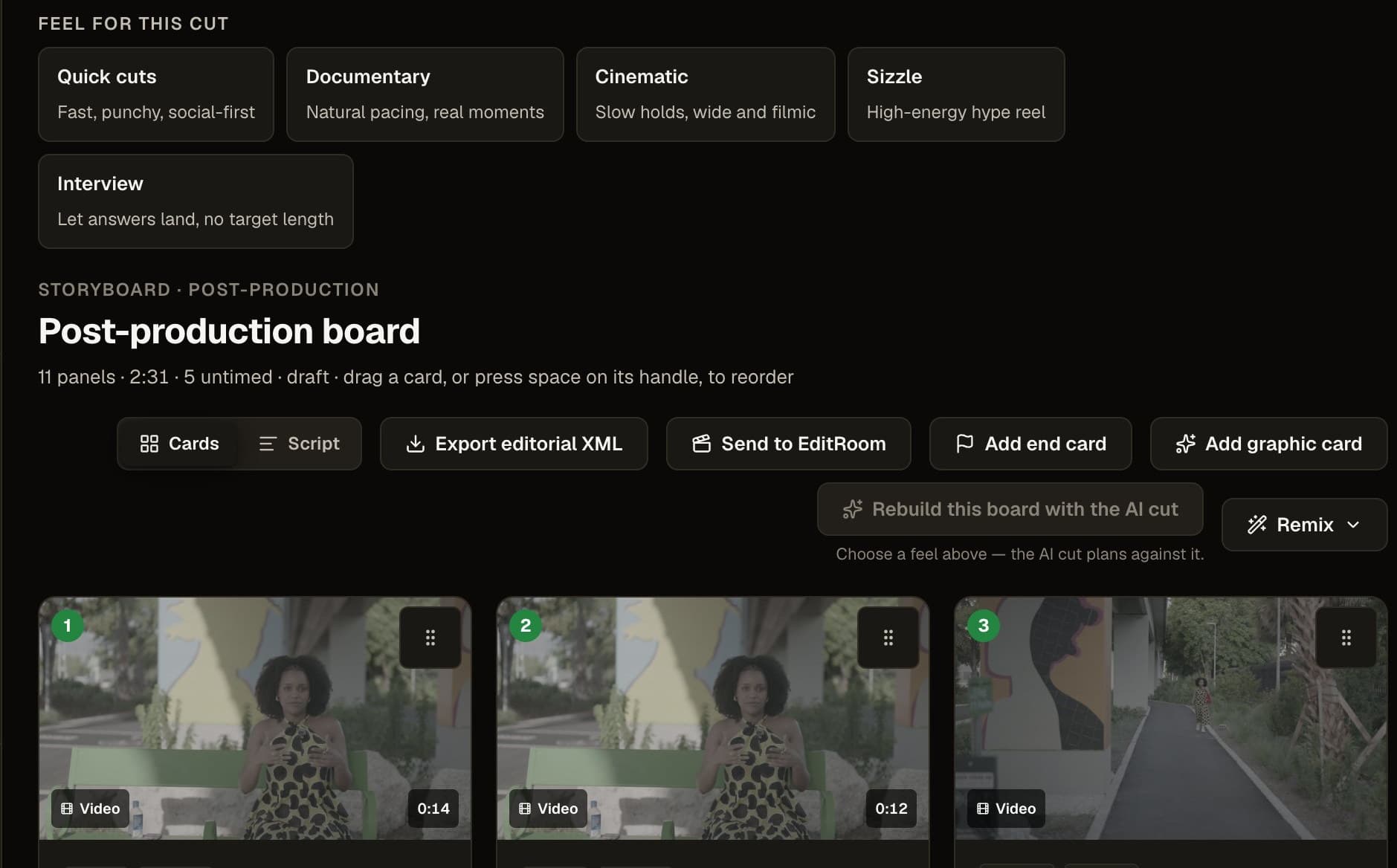
Pre-production storyboard generation and post-production client review in one surface. Every panel links back to its source asset, so feedback stays grounded in the actual footage.
Human control:Clients review and approve panel by panel.
02 · Idea
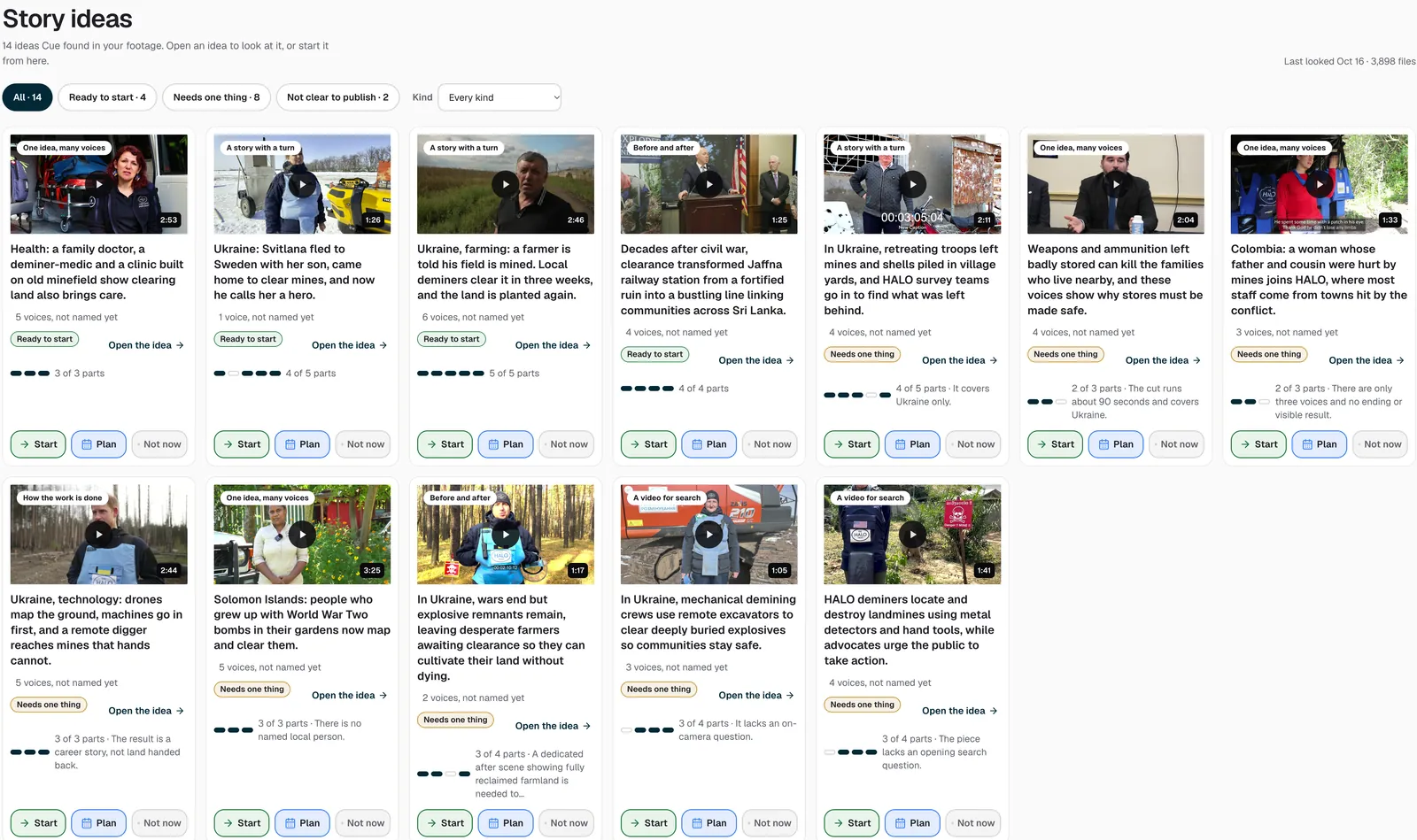
Idea: StoryMine and four more ways in
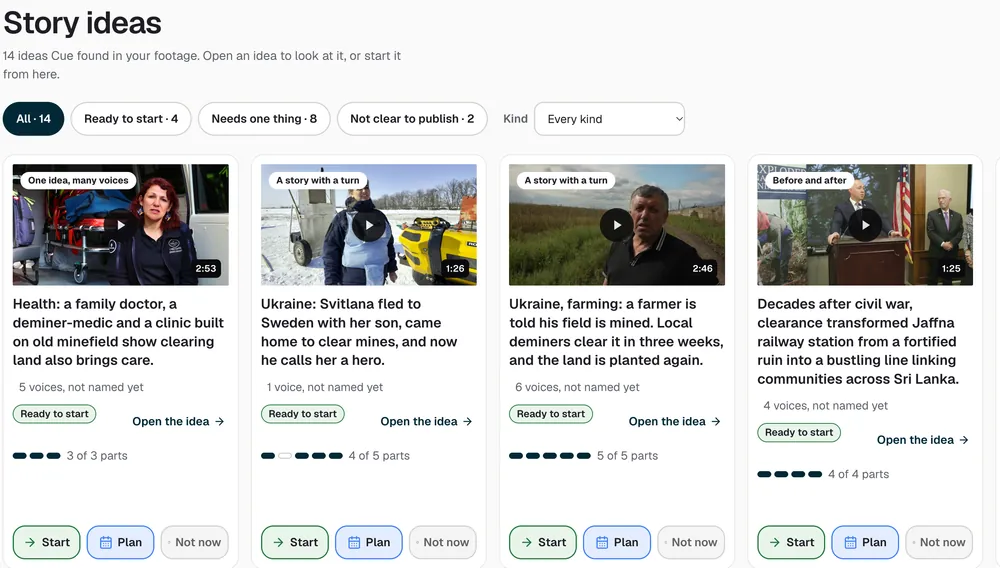
Finds the stories worth telling in your archive, across terabytes of interviews and b-roll.
- It mines your whole archive. Point it at drives holding terabytes of footage. Every file is transcribed, and StoryMine notes who is speaking, where it was filmed and what kind of shot it is.
- It suggests stories. Each idea comes with a one-line pitch, the people in it and why it matters now. Stories you've already told are set aside.
- It lays out the beats. Hook, turn, proof and ending, using the real lines from your interviews, in play order, with the running time.
- You decide. Swap a line, take one out, say if more footage is coming, then approve.
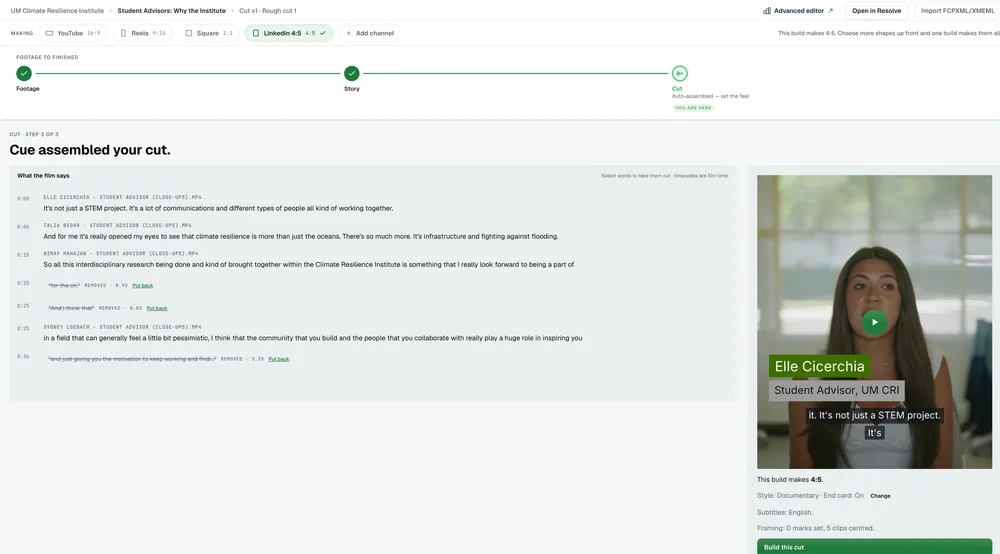
- The edit starts itself. The first cut builds from the beats you approved, ready in minutes.
- Your archive. StoryMine finds the stories already in your footage.
- Your plan and goals. Each goal can start an idea.
- Interviews. A new interview opens new ideas.
- Cue's suggestions. Cue proposes ideas and says why each matters now.
- Repeat ideas. Bring back an idea you want to run again.
Human control:nothing is built until you approve the story.
03 · Film
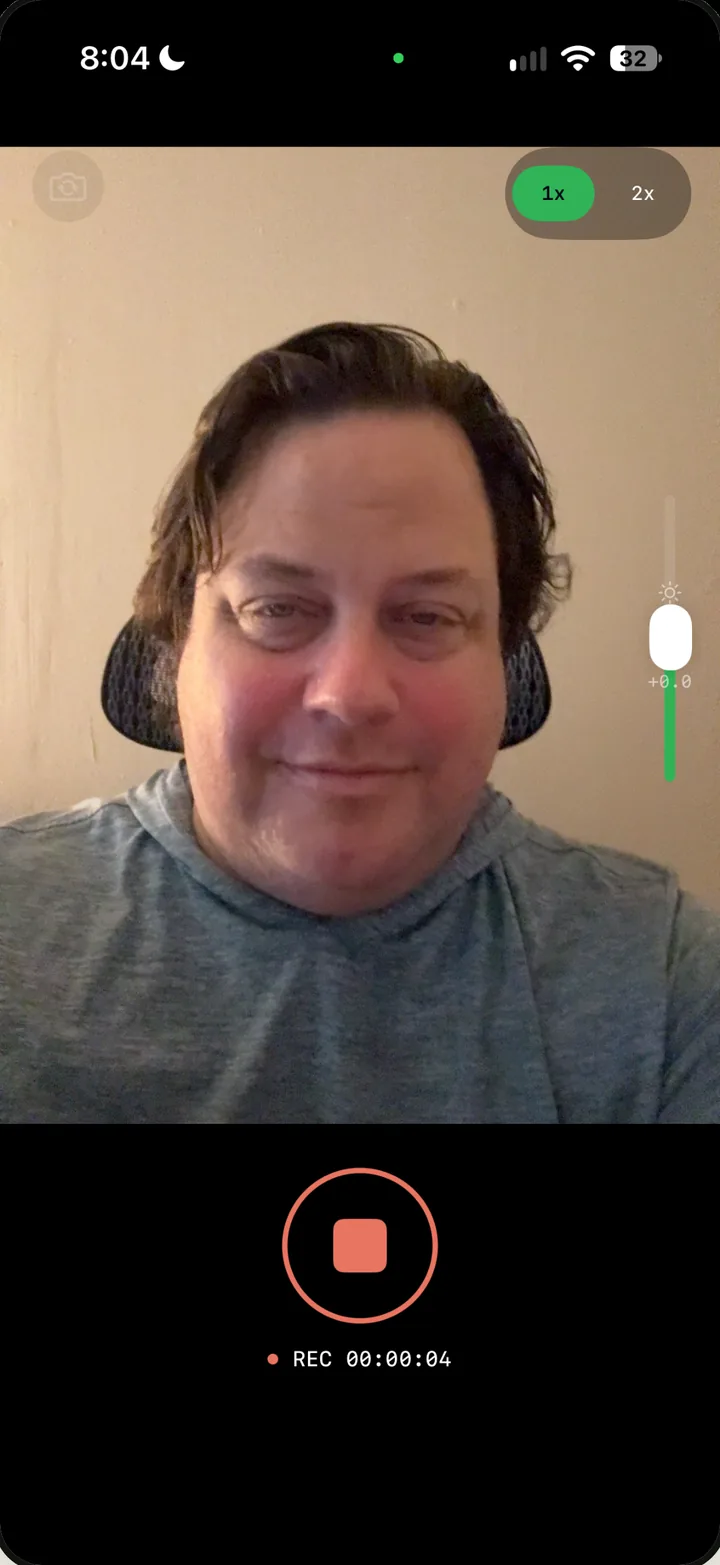
Film with the camera you have, on any device
Bring files from pro cameras like RED, DJI and Sony, with their camera LUTs, or from any camera. Record in the browser, or on your iPhone with StoryOS Capture. Everything joins your library.
No crew yet? Find production talent in the marketplace.

Android is coming soon.
Production talent marketplace
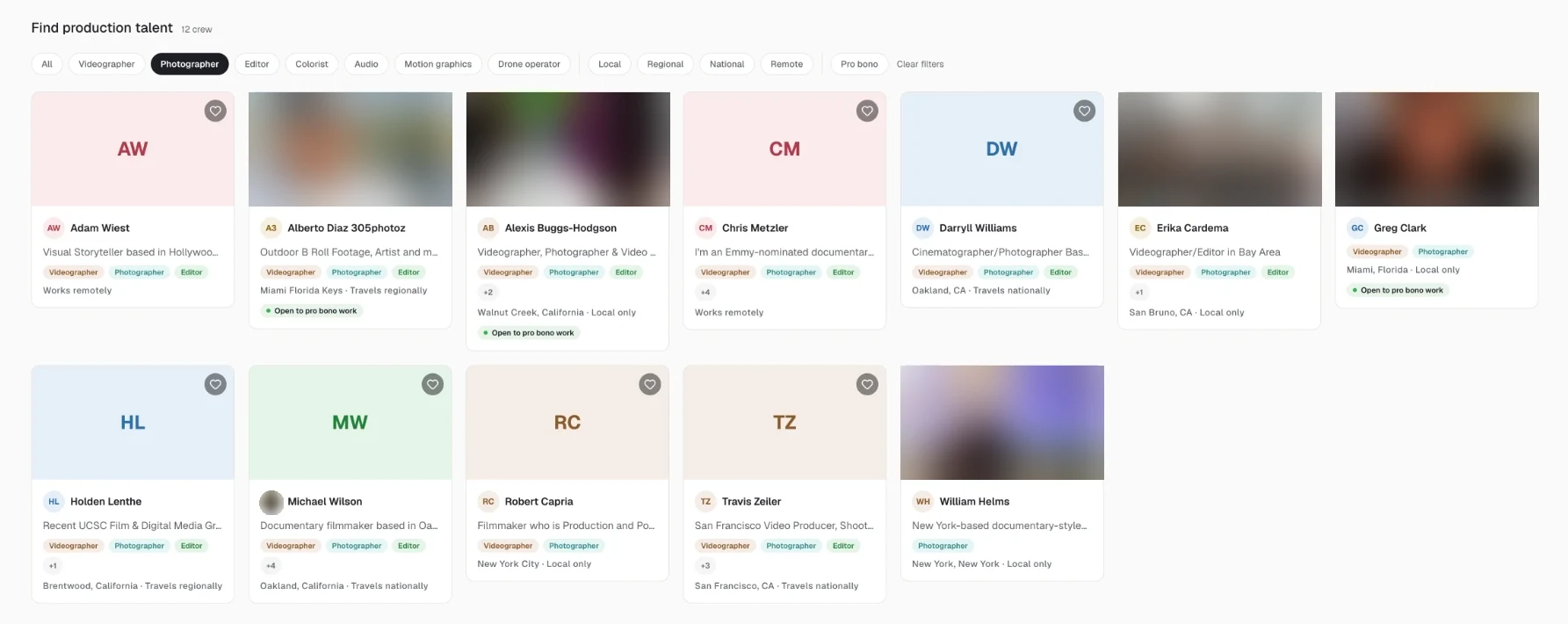
Find the people to film it.
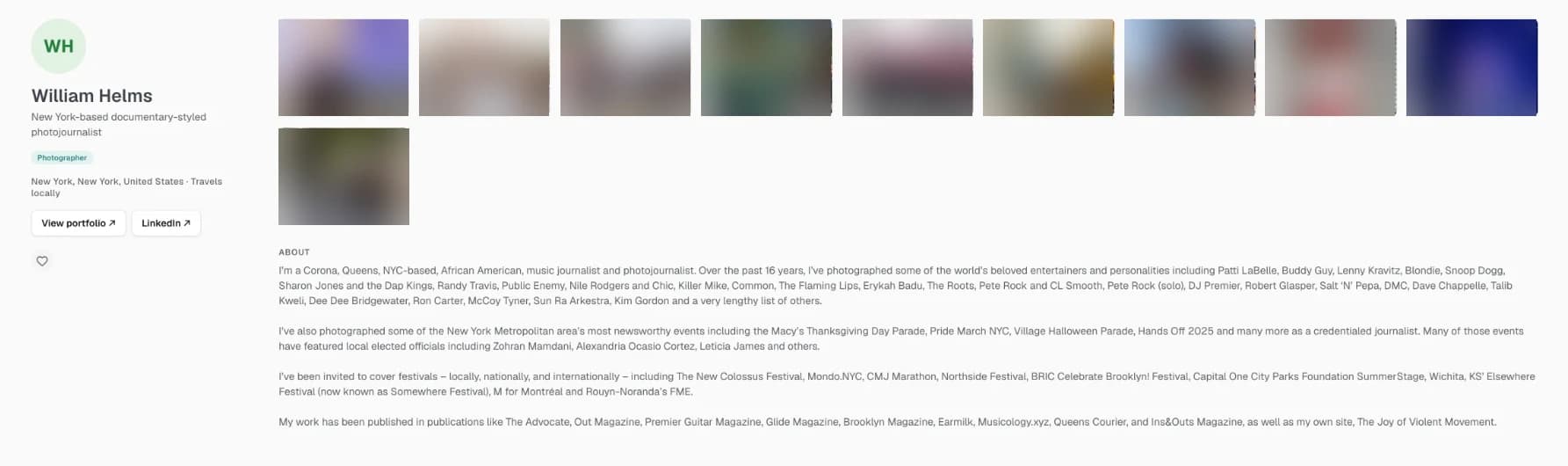
Find videographers, photographers, editors, colorists, audio engineers, motion graphics artists and drone operators for your projects. Filter by local, regional, national or remote, and by people open to pro bono work.
04 · Edit
Edit page
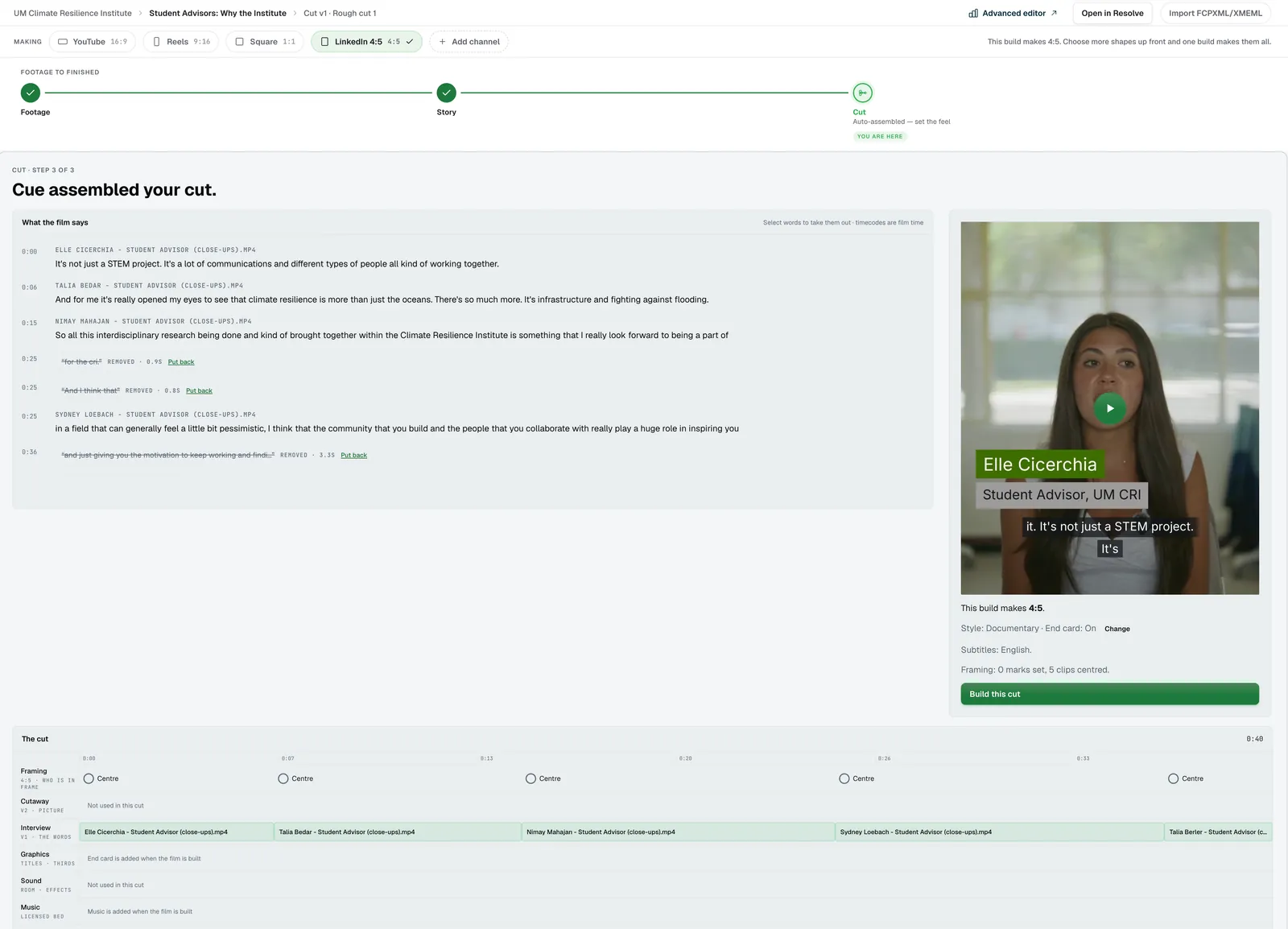
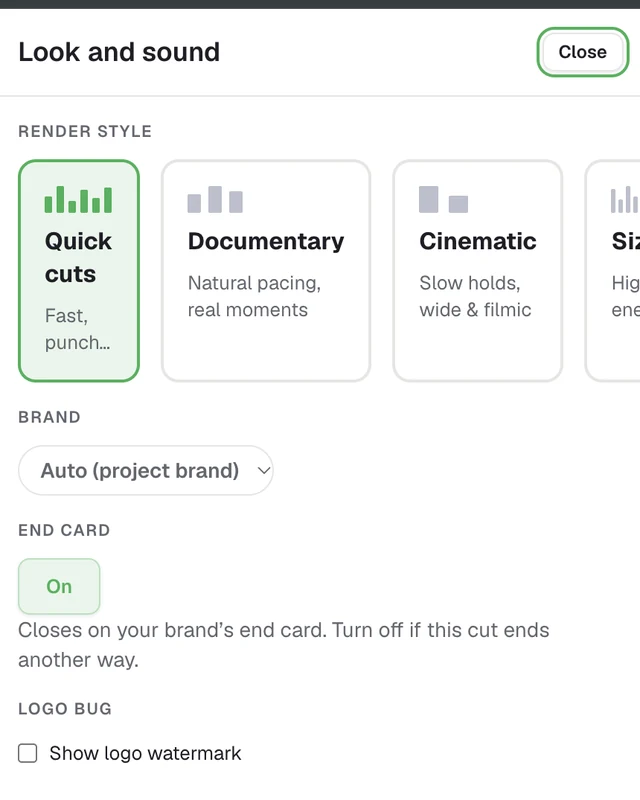
One Edit page takes your cut from first pass to finish. A full-screen Advanced editor opens for detail work, with export to EDL, FCPXML, and Premiere XML.
Human control:Editors drive every stage; you ship the final cut.
Cue works at every step
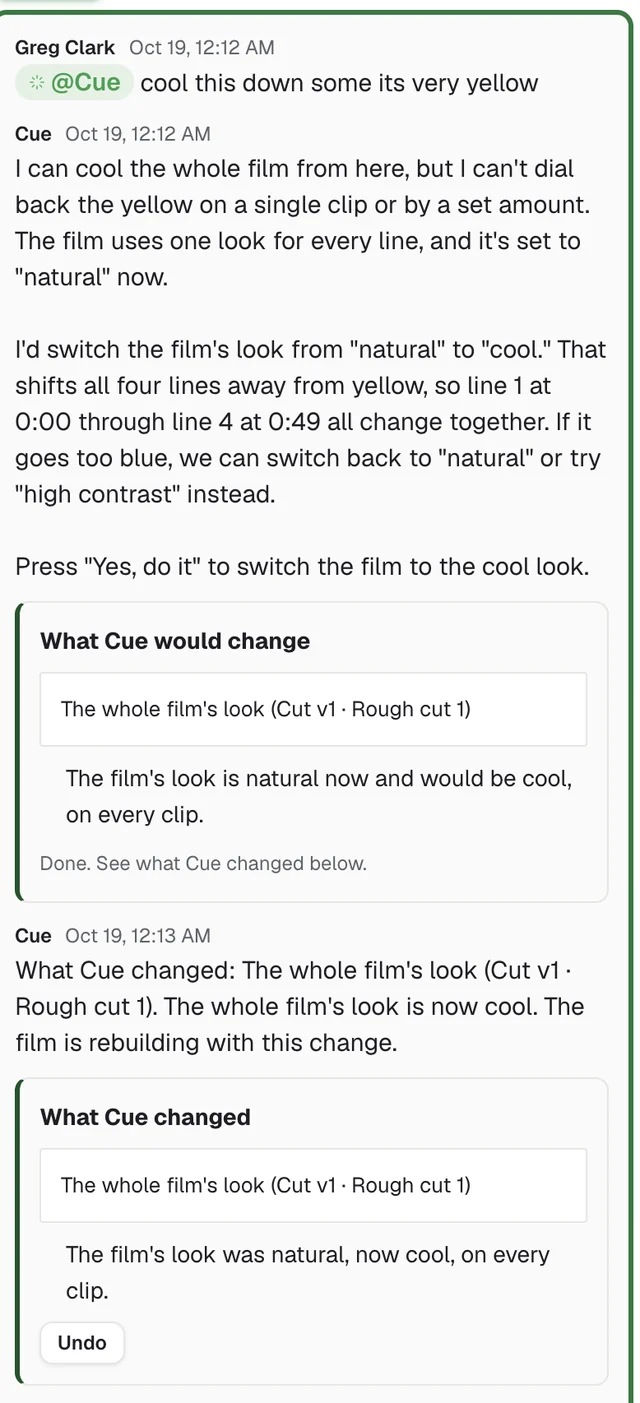
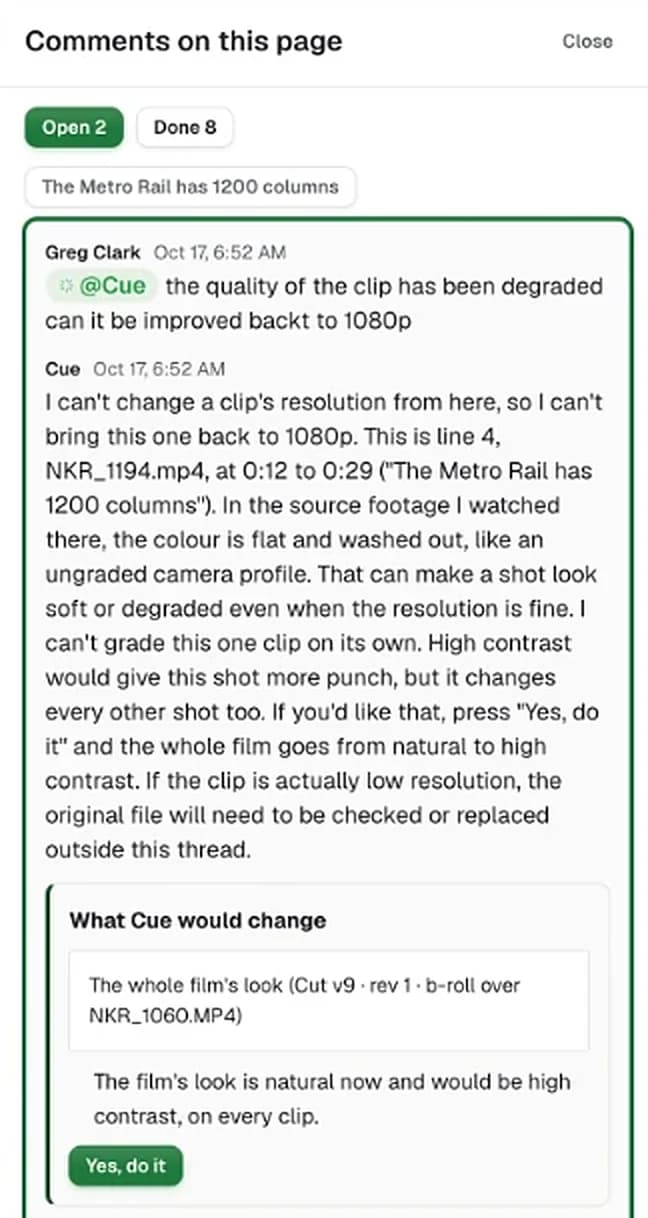
Cue works across the whole story: plan, idea, film, edit, share, and impact. It drafts and suggests, and every change has Yes and Undo. The story graph remembers each decision, so context carries forward across your team.
- Asks the right question. When something is unclear, Cue asks a person on your team before it guesses.
- Recommends the next step. Every story shows what needs you next.
- Suggests clips. Cue finds the best moments in your footage and scores each one.
- Proposes edits. Each change comes with Yes and Undo.
- Learns your organization. Cue reads your org profile, your transcripts and your story graph.
Human control:Suggest-and-approve on every consumer-facing change.
05 · Share
Share: Story Pages, reviews and publishing
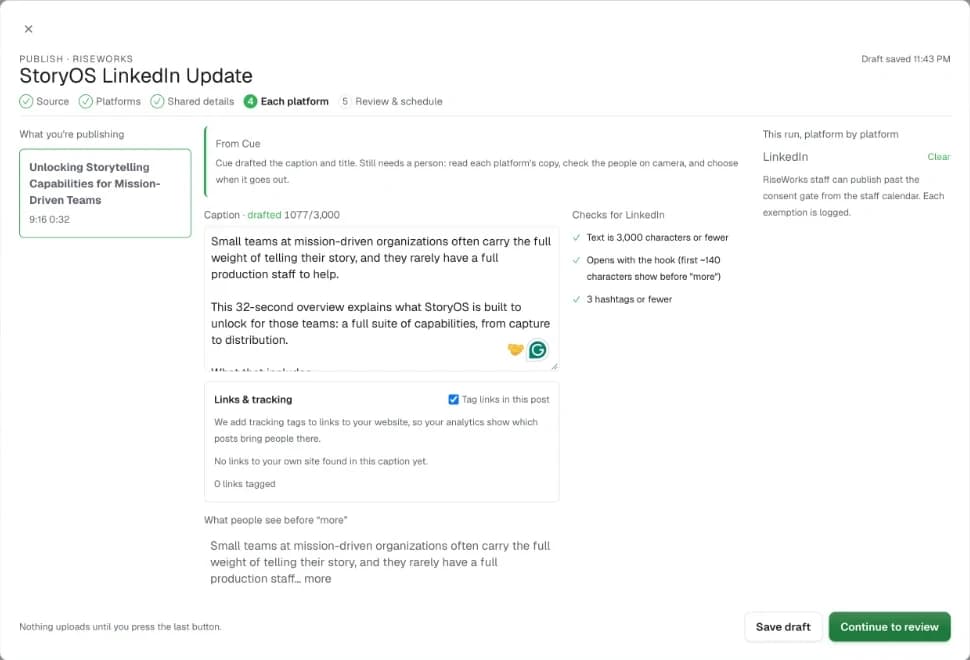
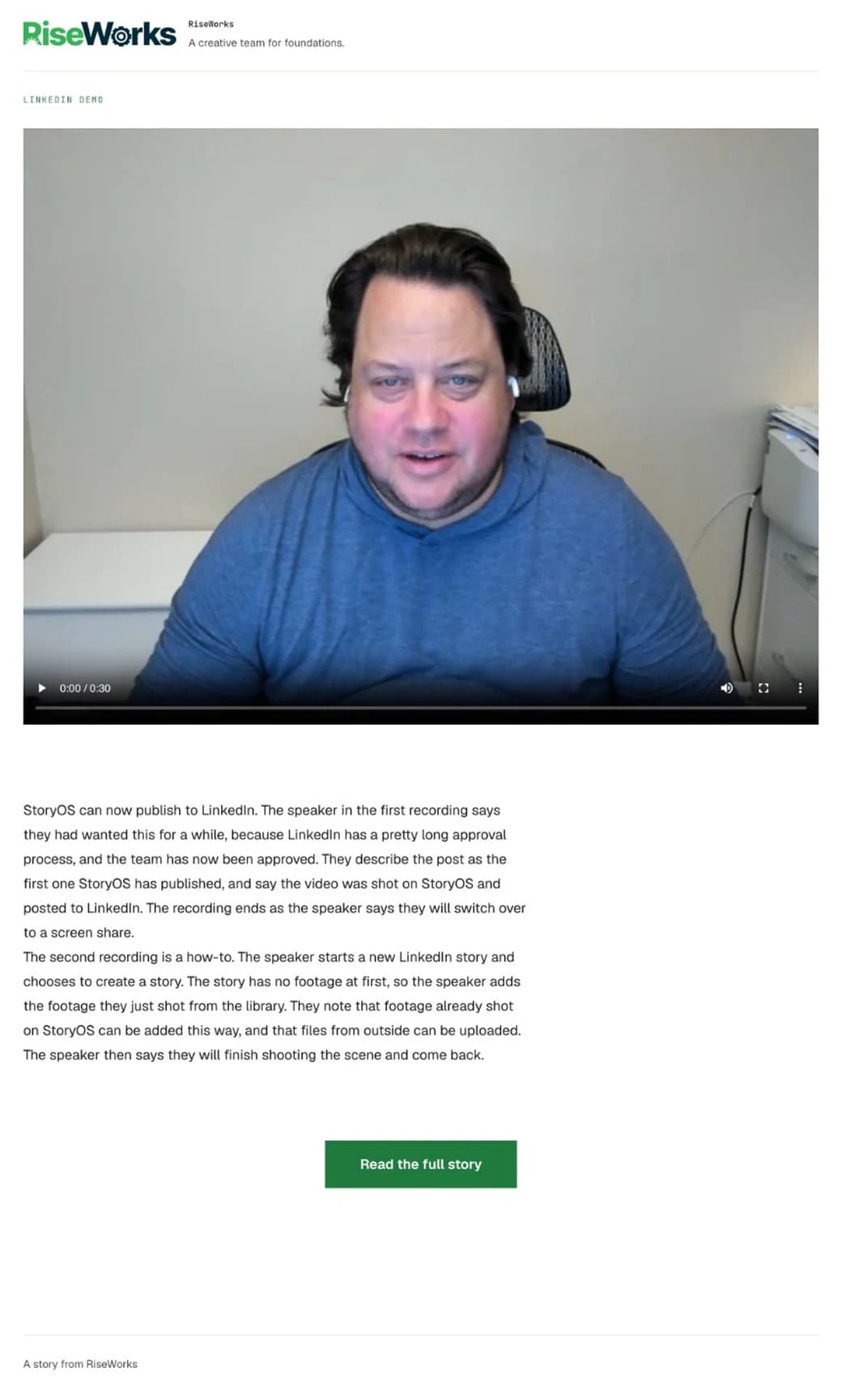
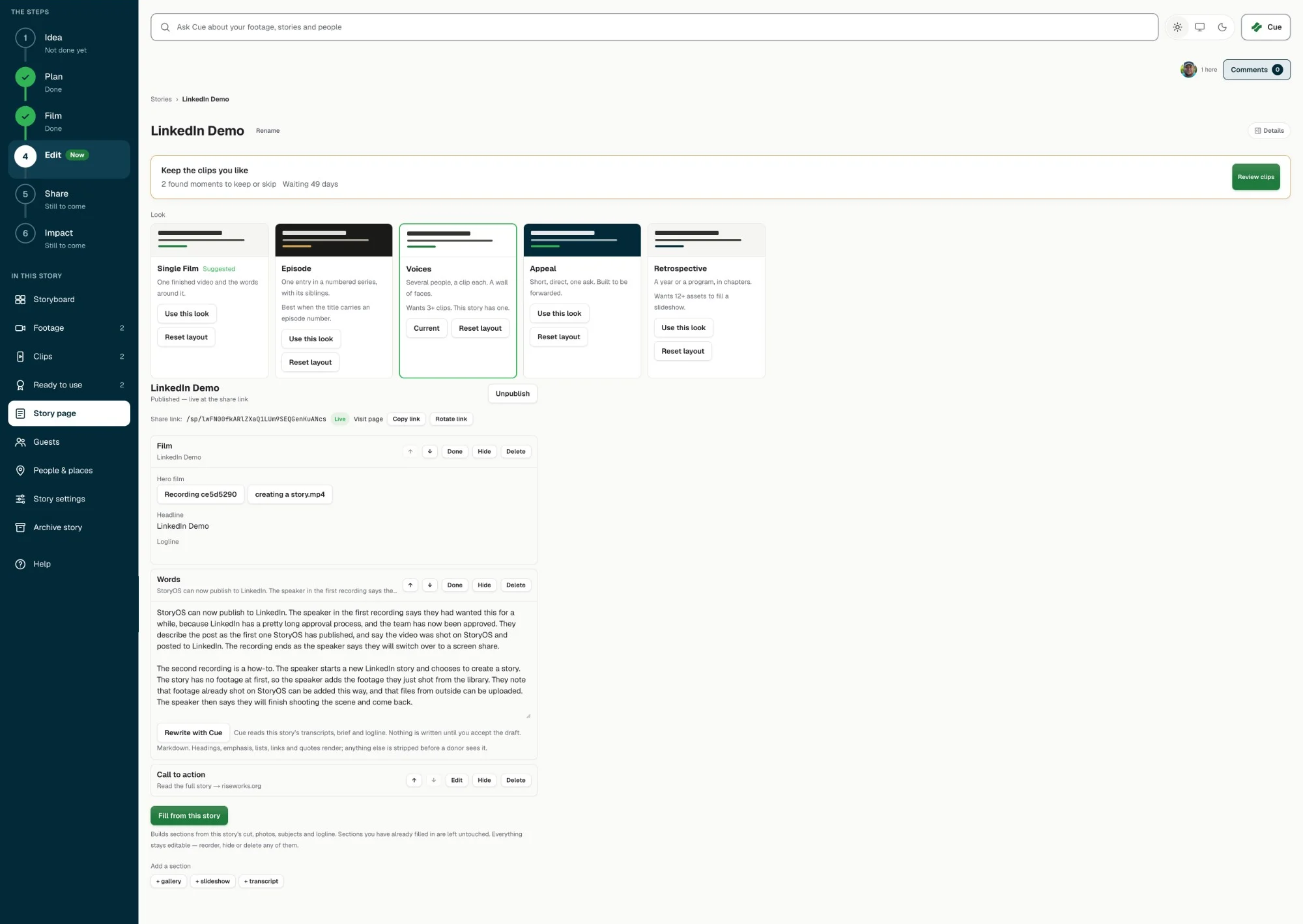
Story Pages give each story its own page for the audience you choose. Publish a cut for each channel from one place, and invite guest reviewers to comment before you go live.
Human control:Pages are published deliberately, per audience.
05 · Share: publish and plan
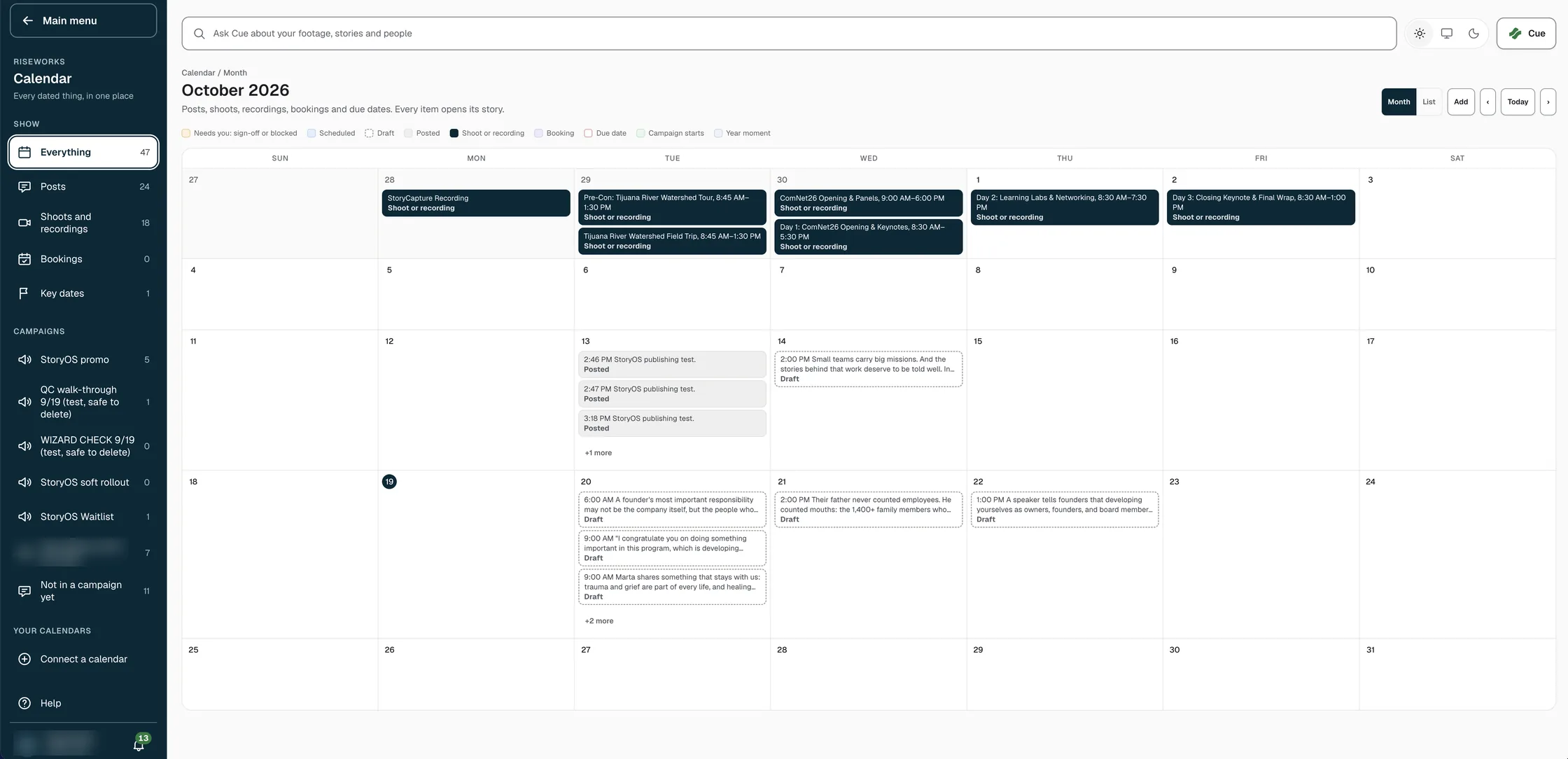
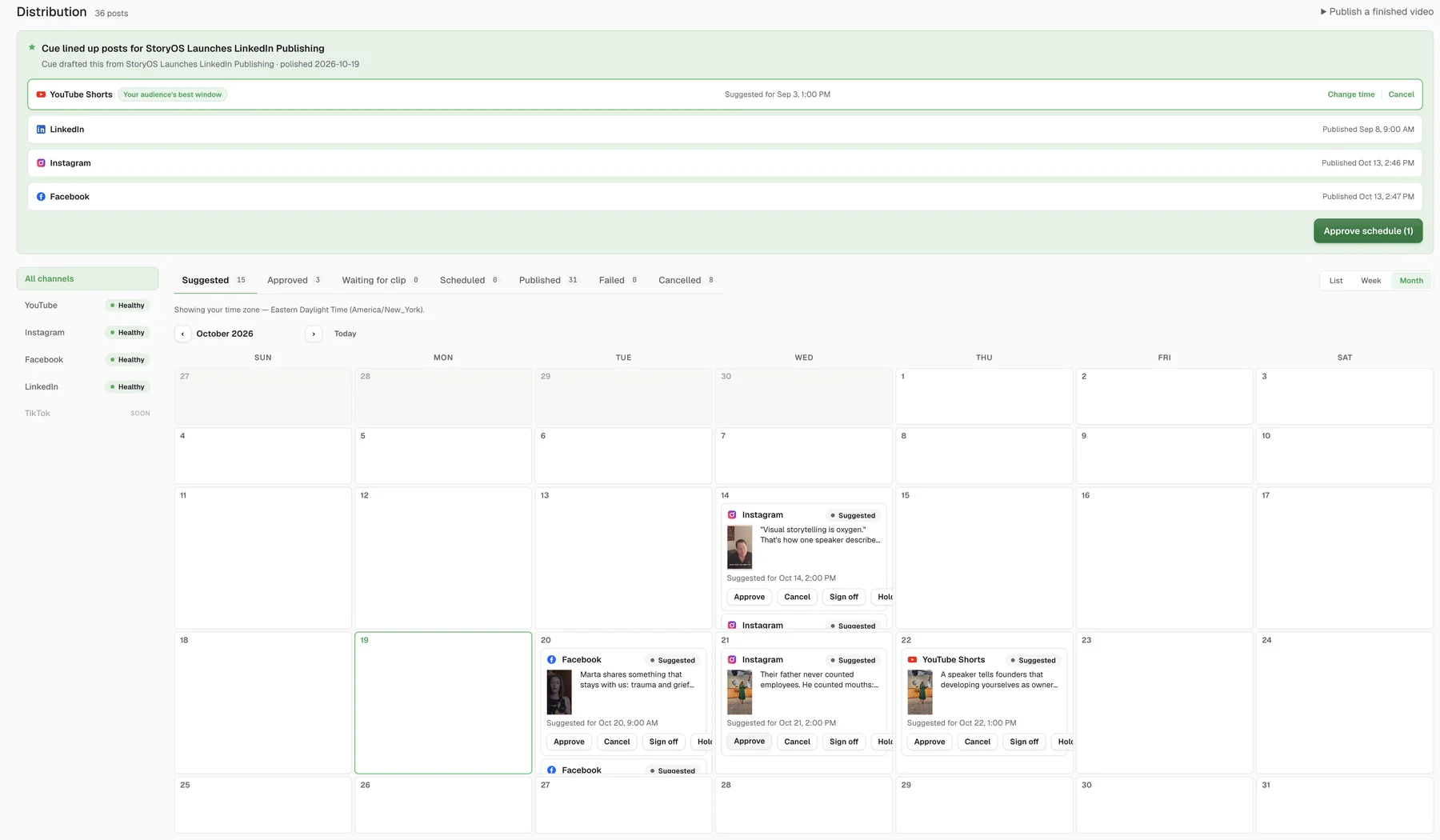
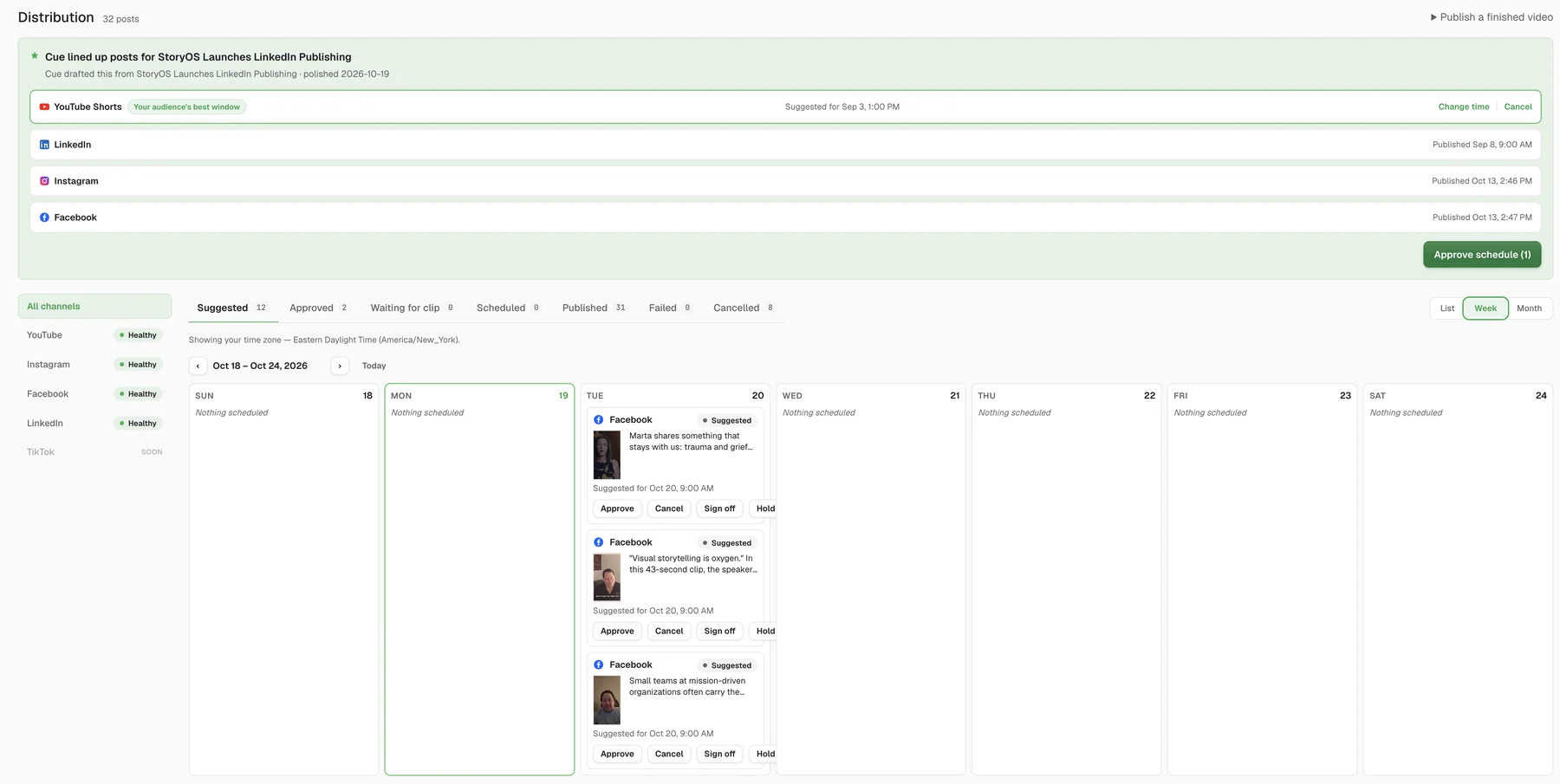
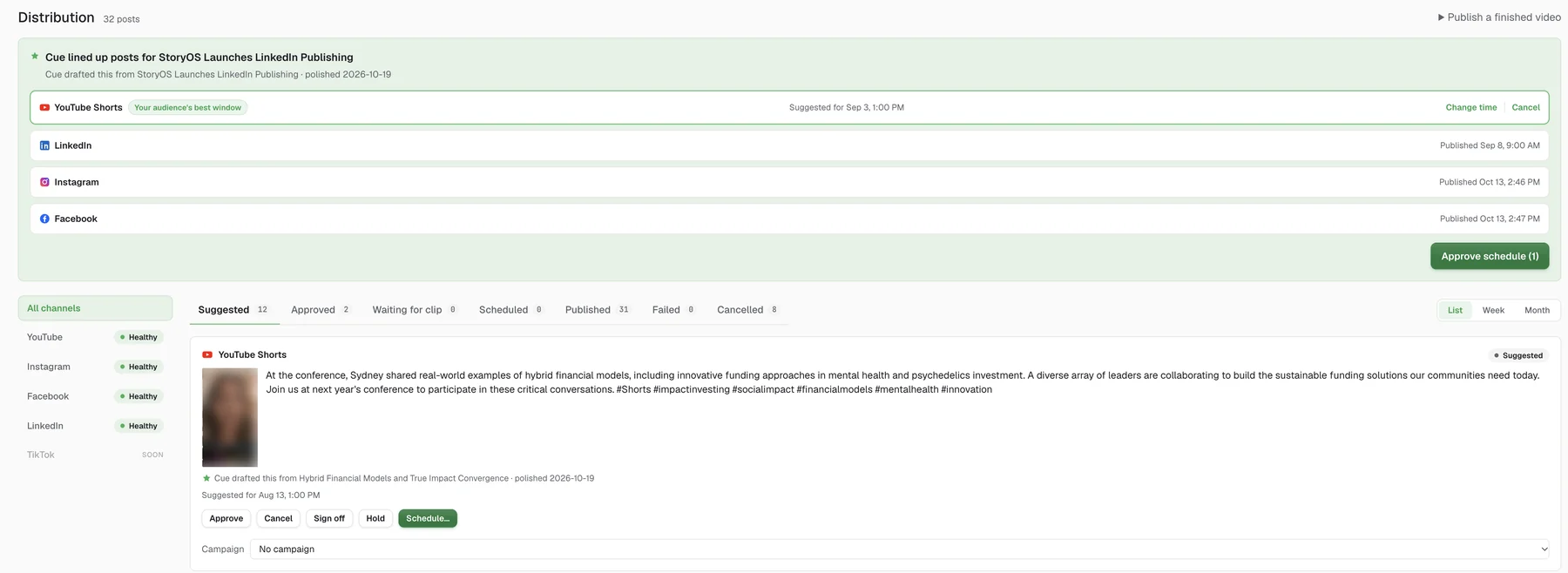
One calendar for every channel.
Cue lines up posts for each channel at the best time. The calendar also holds your shoots, recordings, bookings and key dates, so a story’s plan and its posts sit in one place. See it by month, week or list. Approve, sign off, hold or schedule each post.
06 · Impact
See how your channel ranks in your city.
See how each story did, and how your channels compare in your city. RiseWorks tracks 5,128 nonprofit YouTube channels across 15 US metros. See where your channel stands against peers in your metro, and what the leaders do differently.
See the benchmarks →- Channels tracked
- 5,128
- US metros
- 15
What you can make
The platform powers the tools your team uses every week. Each one turns footage into something your audience can see.
Take raw footage all the way to a finished cut.
One Edit page and a full-screen Advanced editor. The first cut builds itself, and you export to EDL, FCPXML, or Premiere XML.
Plan the shoot and get sign-off before you roll.
Generate pre-production storyboards, then let clients review and approve panel by panel, each linked to its source asset.
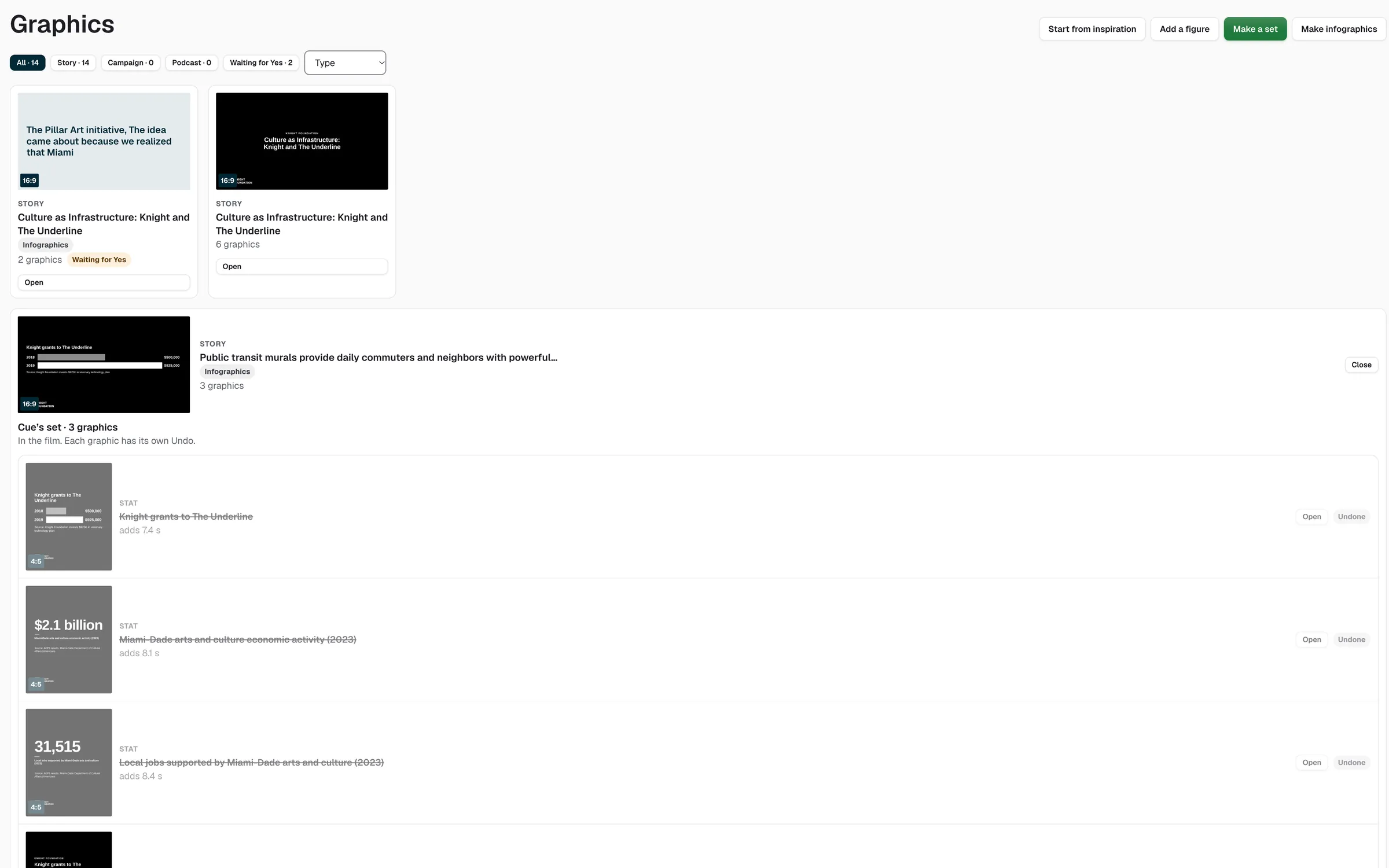
Names, quotes, stats, and end cards in your brand, ready to drop into the cut.
Publish to every channel from one place.
Pick the platforms, review Cue's caption for each one, and schedule at Cue's best time.
See the calendar →StoryRoom Coming soon
Private donor premieres with tier-gated access, HLS playback, and live chat. Organizations control who sees each screening and when — StoryRoom handles the infrastructure.
Human control:Access is tier-gated and host-controlled.
The closed loop
Stories become campaigns. Campaigns become gifts.
Coming soon
A story owns its footage, clips, consent, and posts. A campaign points a set of stories at one goal. Appeals and gifts are coming soon.
 One story graphExample
- 01The story2:14 film, 6 clips
- 02Campaign3 stories · Give Miami Day
- 03AppealSent to 1,200 donorsComing soon
- 04The gift$4,860 credited to the storyComing soon
what raised money shapes next quarter's slate
One story owns everything it made.
Interview, Transcript, Consent, Clips, Posts, Reviews.
Point a set of stories at one goal
Audiences, channels, and a schedule.
Stamped into your donor CRM
Each appeal credits exactly one story.
Dollars sum back to the story
No gift counted twice.
And the loop closes — what raised money shapes next quarter's slate.
Three commitments that hold across every feature
Human approval on every narrative surface
Cue proposes and drafts. A human approves before anything reaches a client, donor, or audience.No AI-generated visuals
Every frame that reaches a client comes from footage your organization owns or has licensed. StoryOS analyzes and assembles real footage.Provenance on every asset
Every asset records where it came from. StoryOS records who appears in each clip and marks anything still missing a release before it goes out.Start telling better stories
Leave your email and we will set up your studio with you.
Get early access